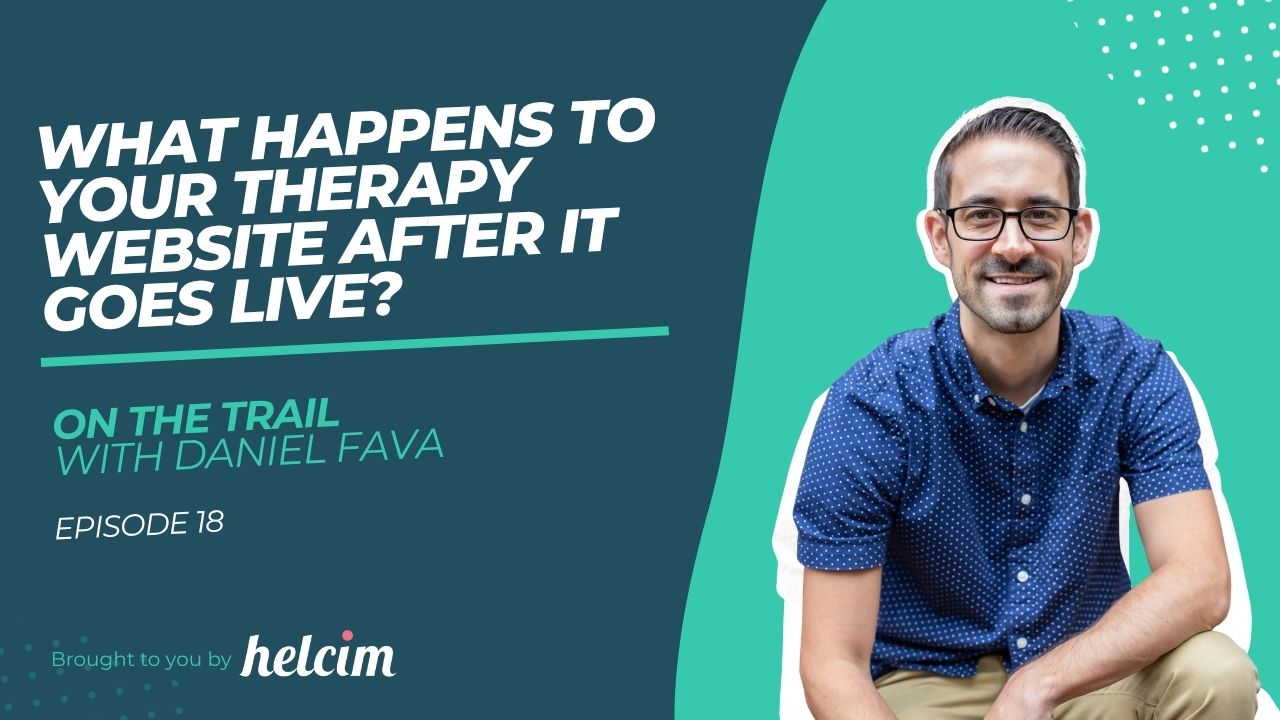
Hit play for a preview, or open in Spotify for the full episode.
Your website launched a few months ago. It looked great, it went live, and you felt good about it.
Then something started to feel off. Pages load a little slower. A contact form stopped sending. An email showed up about an “update,” and you have no idea what it means or whether clicking it will break something.
A website keeps needing work after launch, and nearly all of that work happens where you can’t see it.
This episode covers what that work is, how your platform decides who does it, and what a WordPress care plan takes off your plate.
This Episode Answers:
What does a website need after it goes live?
The tools running your site release software updates all the time. Skip them and things break, or the site gets easier to break into. Security is a constant job too. Bots and hackers target small sites every day, therapy practices included, and we’ve seen those attempts climb as attackers pick up AI tools.
You need recent backups, so there’s a clean copy to restore if the site goes down or gets hacked. Speed slips over time as images, code, and plugins pile up, and slow sites tend to rank lower on Google. Small errors creep in on their own: pages break, links go dead, forms quietly stop sending.
None of this shows on the surface. That’s why it gets ignored until a potential client emails to say they couldn’t load a page or fill out your form.
Who handles website maintenance on Squarespace, Wix, or WordPress?
Where your website lives decides how much of this lands on you. Squarespace and Wix handle the upkeep for you, with updates, security, and hosting built in. They’re good platforms for getting online when you’re starting out, and I encourage the DIY route at that stage.
The tradeoff is less flexibility. With Wix especially, many practices hit a ceiling on SEO, since nobody can get into the code to speed the site up or add schema markup and other technical SEO work.
WordPress is the most flexible option, and it’s what we build client sites on at Private Practice Elevation. That flexibility comes with responsibility. WordPress doesn’t update, secure, or back itself up. Its plugins and themes come from many different developers, some of them stop maintaining their plugins, and those outdated plugins leave security holes hackers can use. Every update needs testing so one change doesn’t break another.
What does a WordPress care plan cover?
A care plan hands the technical work to a team, so you never have to log into WordPress and fix something you don’t understand. I don’t even update the Private Practice Elevation site myself. Our care plan team does it.
We run and test every update by hand, with no automatic updates left running unattended. We monitor for security threats and apply fixes the week they’re released. We keep daily backups, so if an update causes a conflict, we restore that morning’s working copy. About every 6 months, we review the site for anything slowing it down and fix it.
The biggest benefit is support. Hired a new therapist and need their bio on the site? Send a ticket. Form stopped working? Email the team and we take care of it. Our care plans include secure hosting on Flywheel, which we’ve used for 5 or 6 years and rarely see hacked or go down.
Other Key Takeaways:
- If you skip maintenance on a WordPress site, plan on it getting compromised at some point. Budget hosting raises the odds: we’ve seen a lot of Bluehost sites hacked over the last 6 months.
- A down or slow website costs you clients. People can’t find you or book with you when the site is down, and a slow or insecure site hurts your Google rankings, so fewer people find you at all.
- Thinking about moving from Squarespace or Wix to WordPress for the SEO flexibility? Decide who will handle updates, security, and backups before you make the switch.
Links Mentioned In This Episode
Flywheel (secure WordPress hosting)
This Episode Is Brought To You By Helcim

When was the last time you looked at your payment processing statement? A 3% flat rate on one session feels small. Across a full caseload, it adds up to thousands of dollars a year just to accept payments.
Helcim works differently. Instead of a flat rate, they use Interchange Plus pricing, which passes the real bank rate to you plus one clear margin. That cuts processing fees by about 25% on average. No monthly fees, no software fees, no contracts, and full HIPAA compliance. You also get digital invoicing, automatic payment reminders, and cards on file for easy post-session billing.
Start now and your first $5,000 in transactions is completely fee-free. Head to helcim.com/ppe or click the link in the show notes.
Schedule A Call And Start Reaching More of Your Clients
If you’d like help improving your website and turning more visitors into clients, you can schedule a Clarity Call here: privatepracticeelevation.com/kickoff
About Daniel Fava
 Daniel Fava is the founder of Private Practice Elevation, where he helps therapists and group practice owners grow through better websites, SEO and online marketing. He hosts the Private Practice Elevation podcast and the On The Trail short-form series.